
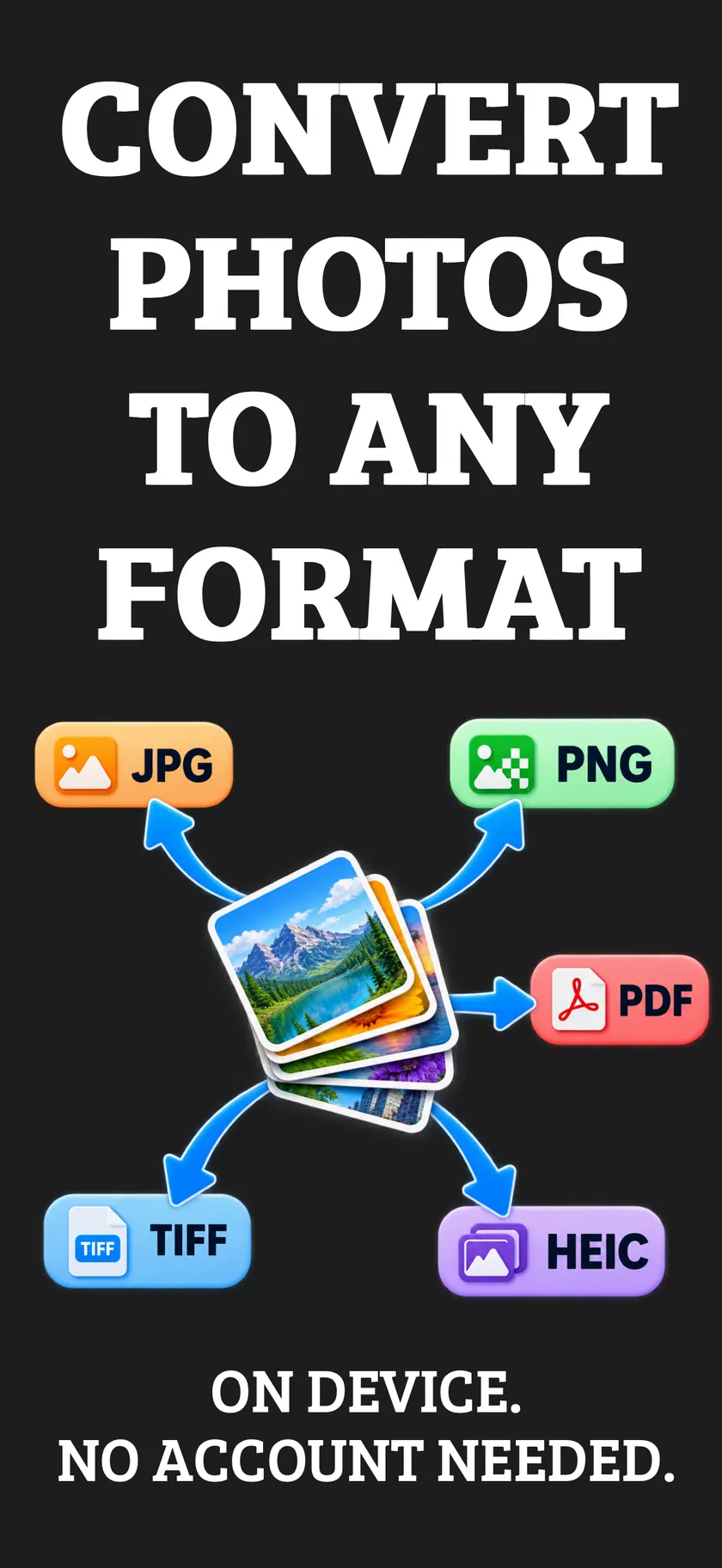
Convert your photos to any format.
Turn HEIC into JPG that opens everywhere, shrink photos for email, or merge a stack of images into one PDF. A couple of taps, and everything stays on your iPhone.

For iPhone. Free to download.
- No account
- No uploads
- Works in Airplane Mode
- Private for life
Pick, convert, share
- 1
Pick your photos
Choose one photo or dozens from your library or the Files app.
- 2
Choose a format
JPG, PNG, HEIC, TIFF or PDF. Set the quality and decide whether to keep location data.
- 3
Save or share
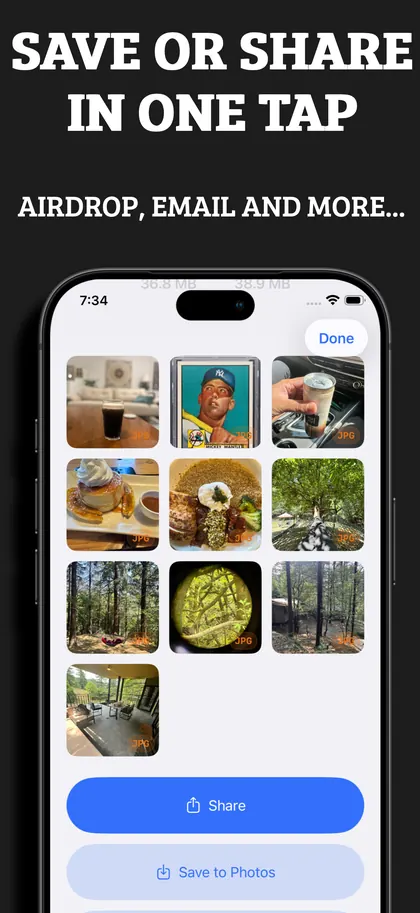
Save back to Photos or Files, or send with AirDrop, Mail, Messages or any app.
Everything you need to convert photos
Convert to any format
Switch freely between JPG, PNG, HEIC, TIFF and PDF.
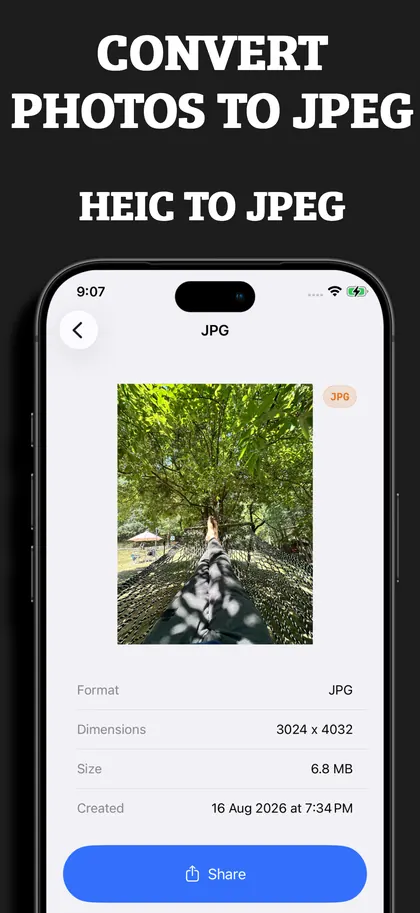
HEIC to JPEG
Fix HEIC compatibility problems with a JPEG that opens on any phone, computer or website.
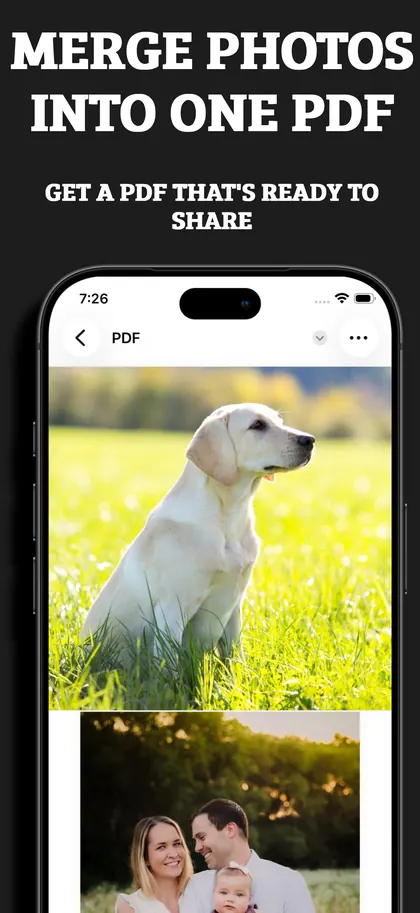
Merge photos into one PDF
Combine several photos into a single tidy PDF for receipts, documents and portfolios.
Shrink file sizes
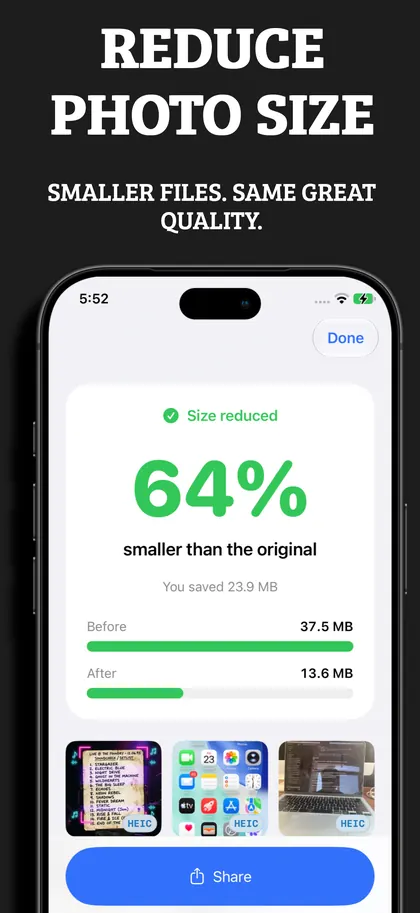
Make large photos easy to email, upload or store, without a noticeable drop in quality.
Batch convert albums
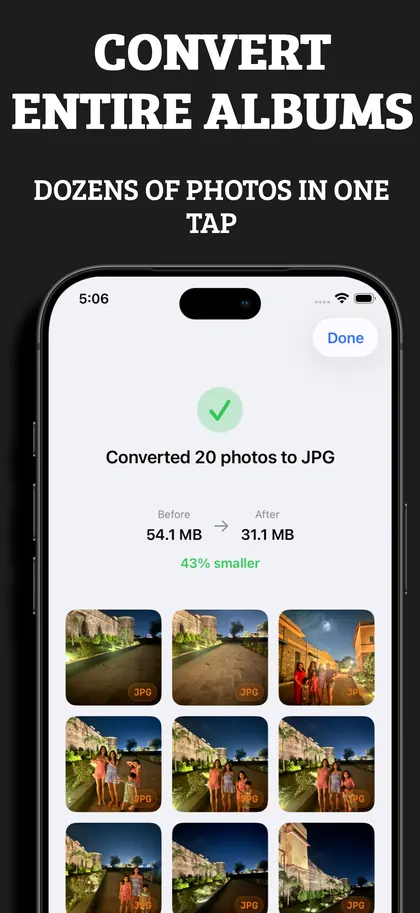
Select dozens of photos and convert them all at once.
Save or share in a tap
AirDrop, Mail, Messages, Photos, Files or any other app.
Advanced controls
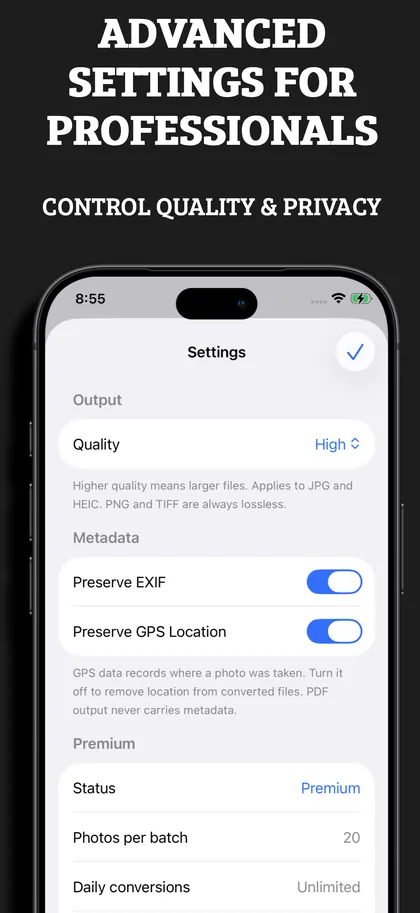
Choose the output quality, and keep or strip EXIF and GPS data on every file.
Private and offline
Your photos never leave your iPhone. Everything works in Airplane Mode.
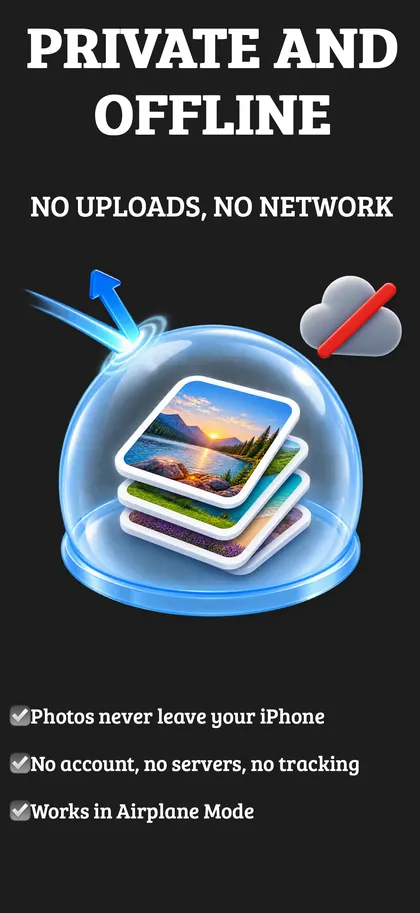
Your photos stay on your iPhone
Formatly converts everything on your device. There is no account to create and nothing is uploaded, so your photos are private for life.
On device
Every conversion happens on your iPhone.
No uploads
Your photos are never sent to a server.
No account
No sign up, no email address, no password.
Works offline
Convert in Airplane Mode, anywhere.
Free to download
Single conversions are free, forever. Batch conversion and PDF merge come with Formatly Premium, available as a one-time purchase or a subscription.
Convert HEIC to JPG
Free and private. Your photo is converted right here in your browser and is never uploaded.
Free HEIC to JPG converter →Questions and answers
How do I convert HEIC to JPG on iPhone?
Are my photos uploaded anywhere?
Which formats does Formatly support?
Is Formatly free?
Can I remove location data from my photos?
Does it work on iPad or iPhone Duo?
Convert your photos the private way